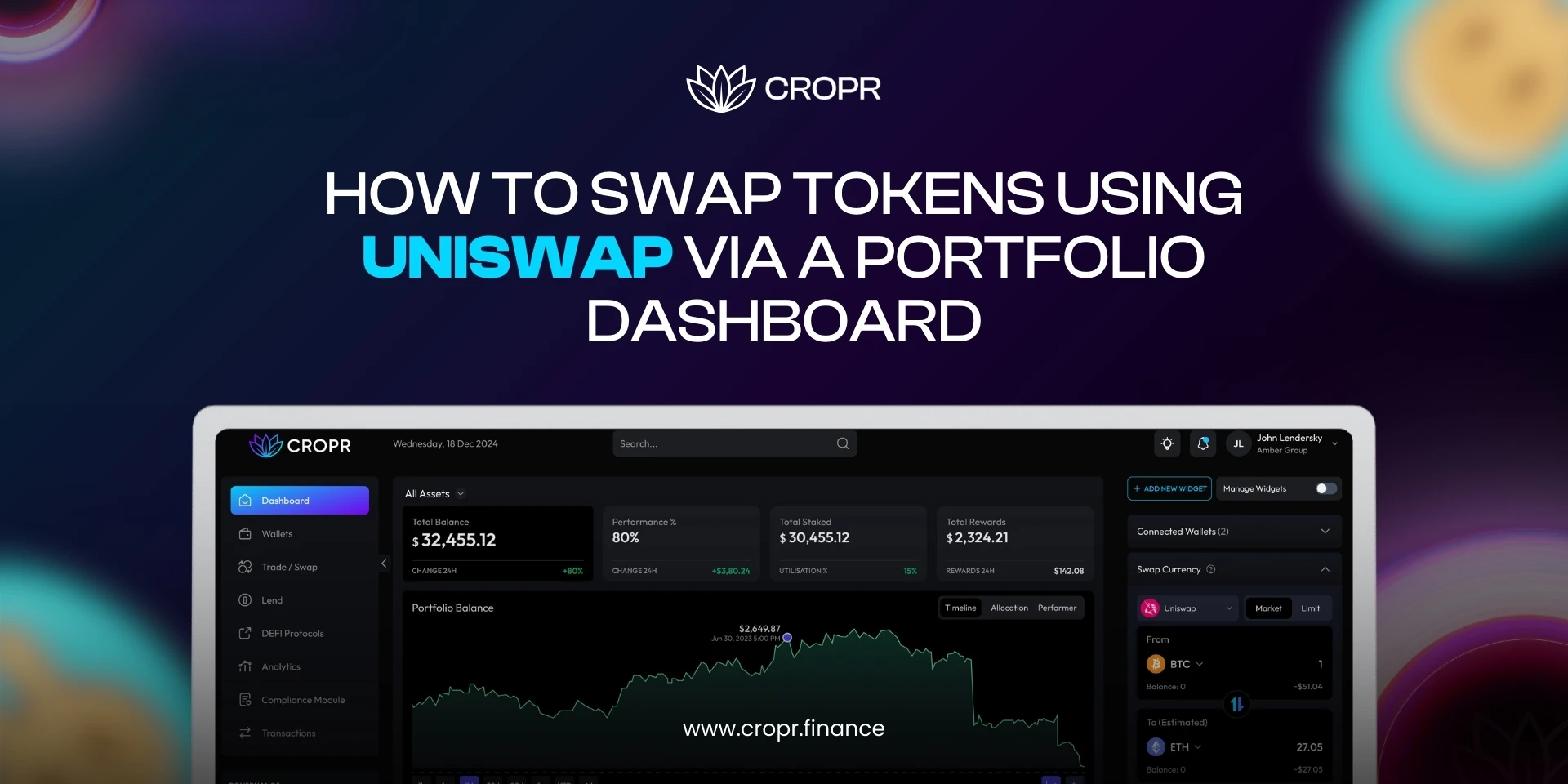
How to Swap Tokens Using Uniswap via a Portfolio Dashboard
By Cropr AdminDecentralized finance has simplified trading in ways that were unimaginable a few years ago. Among the many decentralized exchanges available, Uniswap stands out as a market leader. Traders use it for its liquidity, broad token support, and constant innovation with versions like Uniswap v3. Yet, many users find it overwhelming to jump directly into the Uniswap interface, especially when handling multiple wallets. This is where portfolio dashboards come in. They integrate Uniswap directly into their systems, allowing you to perform swaps without leaving your management screen.
If you have ever asked yourself, “How do I swap tokens using Uniswap without moving across different apps?”, this guide walks you through the process.
Why Use a Dashboard for Uniswap Trading?
Uniswap is powerful on its own. Still, traders who manage multiple wallets or track assets across chains often prefer a single dashboard. By integrating Uniswap in dashboard features, a portfolio platform allows you to:
- Swap tokens directly from the same place you monitor balances.
- Save time compared to switching tabs or interfaces.
- Gain access to portfolio insights while executing trades.
This combination of convenience and efficiency makes the experience more approachable for both new users and seasoned DeFi participants.
Step 1: Connect Your Wallet
The first step in any swap is connecting your crypto wallet. A portfolio dashboard usually supports multiple wallet types, such as MetaMask, WalletConnect, or Coinbase Wallet.
When you connect, the dashboard does not take custody of your funds. It only reads balances and interacts with smart contracts on your behalf. This is the foundation of decentralized exchange trading. Once connected, you are ready to move forward with your first swap.
Step 2: Select the Tokens You Want to Swap
This is where you choose the pair—for example, swapping ETH for USDC or the UNI token for DAI. A portfolio swap guide inside most dashboards will show you the available balance and token list automatically.
Here’s a small detail that beginners sometimes miss: not every token is liquid. Uniswap liquidity pools power these trades, and while major tokens like ETH, USDC, or DAI trade smoothly, obscure tokens might have higher slippage. A glance at liquidity depth is always a smart move.
Step 3: Token Approvals and Permissions
Before the swap takes place, you may need to approve the token. Approval means giving the Uniswap smart contract permission to spend a specific token from your wallet.
This step is critical. Without approval, no contract interaction is possible. For most tokens, this approval is required only once. After that, future trades of the same token will proceed immediately.
Step 4: Adjust Slippage and Review Settings
Slippage is the difference between the expected price of a trade and the executed price. In decentralized exchanges, it matters because liquidity and volatility can change within seconds.
Dashboards usually provide a simple slippage tolerance setting, for example, 0.5% or 1%. Setting it too low may cause failed transactions, while setting it too high could result in receiving fewer tokens than expected.
A balanced approach works best. For highly liquid pairs like ETH/USDC, a tolerance of 0.5% is often enough. For smaller tokens, you might need to adjust higher.
Step 5: Execute the Swap
With everything ready, you can now confirm the swap. The dashboard will trigger your wallet to sign the transaction. Once signed, it goes to the Ethereum network, where miners or validators process it.
You may see a short delay depending on network congestion and gas fees. After confirmation, your new token balance appears in your dashboard instantly. This is where integration shines. You do not need to check multiple places because your portfolio view updates in real time.
Extra Considerations for Professionals
While the basic swap process is straightforward, professionals often look deeper. Here are some considerations:
- Gas Fees: Ethereum transactions can be expensive. Monitoring gas before confirming helps save costs. Some dashboards even integrate fee trackers.
- Dex Comparison: Although Uniswap trading is often the first choice, comparing across decentralized exchanges is useful. A dashboard that aggregates liquidity from multiple protocols provides even better pricing.
- Uniswap v3 Features: Concentrated liquidity positions introduced by Uniswap v3 changed how liquidity works. While regular swaps remain simple, advanced users may also provide liquidity through dashboards that support it.
These details matter when trading at scale or when seeking optimal efficiency.
Common Mistakes to Avoid
Even though the swap process looks simple, there are a few errors that repeatedly trip up new users. Paying attention to these saves both time and money:
- Overlooking slippage settings: A poorly set tolerance can either cause failed transactions or leave you with fewer tokens than expected.
- Skipping token approvals: Without granting permission to the contract, your swap will not go through.
- Ignoring gas fees: Network congestion can make swaps unnecessarily expensive if you confirm without checking current rates.
- Choosing illiquid tokens: Low liquidity pairs often lead to high slippage or failed trades.
Being aware of these pitfalls turns a frustrating first experience into a smooth and predictable process.
How Portfolio Dashboards Simplify the DeFi Swap Experience
Uniswap on its own is already a powerful decentralized exchange, but when paired with a portfolio dashboard, it becomes far more practical for everyday use. Instead of switching between multiple tabs, you can view balances, compare token prices, and execute swaps within the same interface. This integration reduces friction and gives traders both clarity and speed.
For newcomers, dashboards simplify the learning curve by providing a single, intuitive environment. For professionals, they serve as a control center where strategies can be executed with better visibility.
This is exactly where CROPR adds value. By bringing Uniswap trading directly into its dashboard, CROPR allows users to manage wallets, track rewards, and swap tokens without leaving the platform. Whether you are swapping stablecoins or experimenting with UNI token pairs, CROPR gives you the structure and real-time updates you need.
When trading, the question is simple: do you want to spread your attention across multiple platforms, or handle everything from one well-organized dashboard? For most traders, the answer explains why CROPR is becoming a preferred choice in DeFi.
Final Thoughts
Swapping tokens on Uniswap is no longer limited to the core interface. By using portfolio dashboards, you combine Uniswap liquidity with a broader view of your assets. The process is straightforward: connect your wallet, select tokens, approve if needed, set slippage, and confirm.
For professionals, extra features like DEX comparison, gas fee insights, and integration with Uniswap v3 strategies provide greater control. For newcomers, the simplified approach reduces friction and builds confidence.
At CROPR, we bring these features together in one platform. Whether you are just starting or already managing multiple wallets, our portfolio swap guide and integrated tools make decentralized exchange trading more intuitive.

